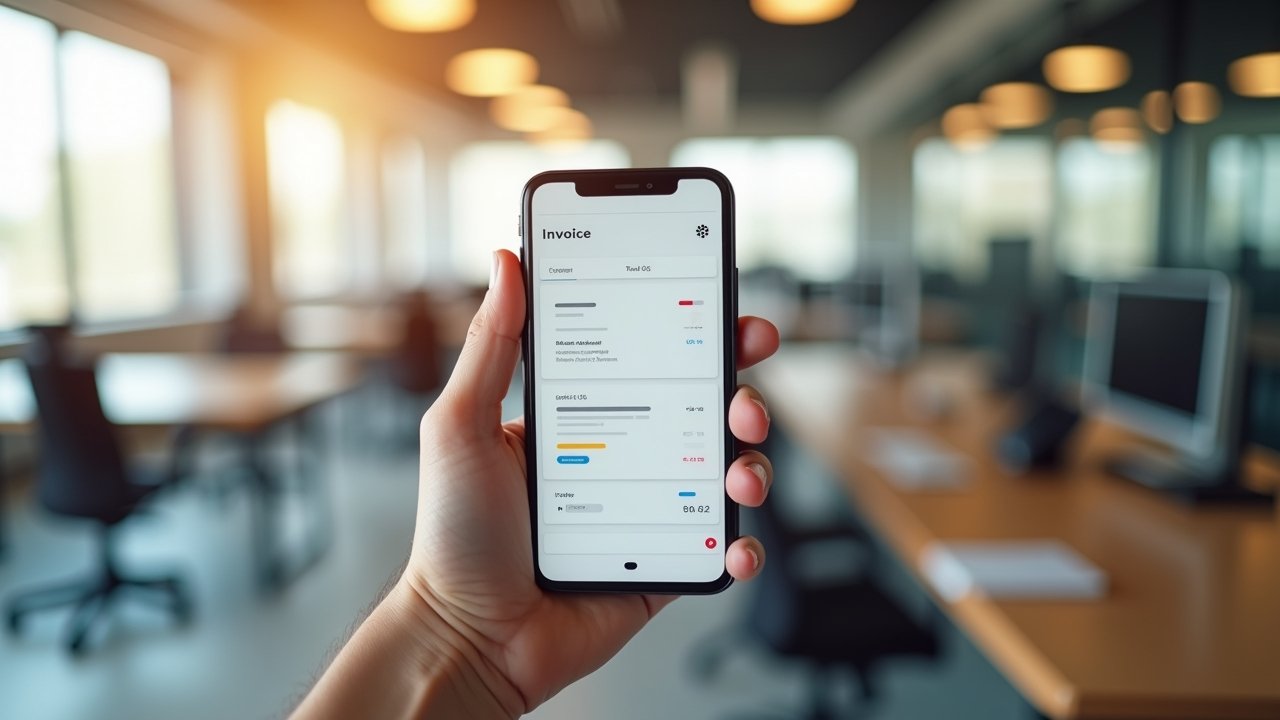
QuickBooks Review: My Honest Take After Years of Bookkeeping Headaches
Did you know that roughly 20% of small businesses fail in their first year, and messy finances are often part of the problem? Yeah, that stat freaked me out when I first read it! Bookkeeping isn’t glamorous, but it’s the backbone of any business that wants to survive past year one.
I’ve been using QuickBooks for about six years now, ever since I ditched my shoebox-full-of-receipts system (don’t judge me, we’ve all been there). So I figured it was time to write an honest QuickBooks review based on actual experience, not just marketing fluff you’ll find on their homepage.
My First Encounter With QuickBooks Was… Rough
Let me be real with you. I signed up for QuickBooks Online back in 2018 and immediately felt overwhelmed. There were tabs everywhere, and I didn’t know a debit from a credit, honestly. I spent like three hours just staring at the dashboard, wondering if I made a huge mistake.
Turns out, the learning curve is steeper than QuickBooks lets on. But once it clicked, it clicked hard. My biggest mistake early on was not connecting my bank accounts right away, which meant I was manually entering transactions for almost two months like some kind of masochist.
- Connect your bank and credit card accounts on day one, seriously
- Watch a few YouTube tutorials before diving in headfirst
- Don’t skip the onboarding setup wizard, it actually helps
What I Actually Like About QuickBooks
Okay, enough with the struggle bus stories. Let’s talk about what works, because plenty does. The invoicing feature alone saved my sanity when I was freelancing on the side.
You can create professional-looking invoices in minutes, and QuickBooks even sends reminders to clients who are dragging their feet on payment. I had one client who was notoriously late, and the automated reminders did the nagging for me. That’s a win in my book.
The reporting features are also pretty solid once you get the hang of them. Profit and loss statements, balance sheets, cash flow reports; it’s all there, and it’s exportable if your accountant needs the raw data.
Mobile App: Better Than I Expected
I wasn’t expecting much from the mobile app, but it’s genuinely handy for snapping photos of receipts on the go. I used to lose receipts constantly, tossed in the bottom of my bag or forgotten in a jacket pocket. Now I just snap a pic and QuickBooks categorizes most of them automatically.
Is it perfect? No. Sometimes it categorizes things weird, like it once filed my client lunch as “utilities,” which made zero sense. You’ll want to double-check the categorization every once in a while.
The Frustrating Parts Nobody Talks About
Here’s where I get a little brash, so bear with me. Customer support can be hit or miss. I once waited on hold for 45 minutes only to get disconnected, and had to start all over again. That was infuriating, not gonna lie.
Pricing has also crept up over the years. What started as a reasonable monthly fee has increased more than once, and it stings when you’re a small business watching every dollar. If you’re comparing options, check out NerdWallet’s breakdown of QuickBooks pricing tiers before committing.
- Plans range depending on features you need, so pick carefully
- Annual plans sometimes offer discounts over monthly billing
- Watch out for add-ons like payroll, they add up fast
Is QuickBooks Worth It in 2026?
Short answer, yes, for most small to medium businesses. Long answer, it depends on how complex your business finances are and whether you’re willing to invest time upfront to learn the platform properly.
If you’re a solopreneur just starting out, something like Wave might be a simpler free alternative. But if you’re scaling, hiring employees, or need serious reporting capabilities, QuickBooks earns its price tag.
I’ve tried switching to competitors twice over the years just to see if the grass was greener. Both times I crawled back to QuickBooks within a few months because the integrations with other tools I use, like payment processors and tax software, were just too convenient to give up.
A Quick Tip From My Own Trial and Error
Set aside one afternoon every month to reconcile your accounts properly. I used to skip this step, thinking I’d “get to it later.” Later turned into three months of backlog, and untangling that mess was not fun, took me an entire weekend honestly.
Wrapping This Up (With a Little Advice)
Bookkeeping software isn’t a one-size-fits-all deal, and what worked wonders for my business might not fit yours perfectly. Take the time to explore QuickBooks’ free trial, poke around, and see if the features align with what you actually need.
Whatever accounting software you choose, remember to keep your financial data secure and double-check for accuracy, especially around tax season. Mistakes in bookkeeping can snowball into real headaches with the IRS, so don’t get lazy about it!
If you enjoyed this deep dive into QuickBooks, I’d love for you to check out more honest, real-world reviews and tips over on the AM Ritualist blog.