AI Receipt Scanning Apps: How I Stopped Drowning in Paper (And You Can Too)
Advertisements
Did you know the average small business owner spends about 5 hours a week just organizing receipts? That’s more than 250 hours a year! I found that stat while I was buried under a shoebox of crumpled gas station receipts, and honestly, it made me feel a little better about my own mess. If you’ve ever shoved a receipt in your glove compartment and forgotten about it until tax season, you already know the pain I’m talking about.
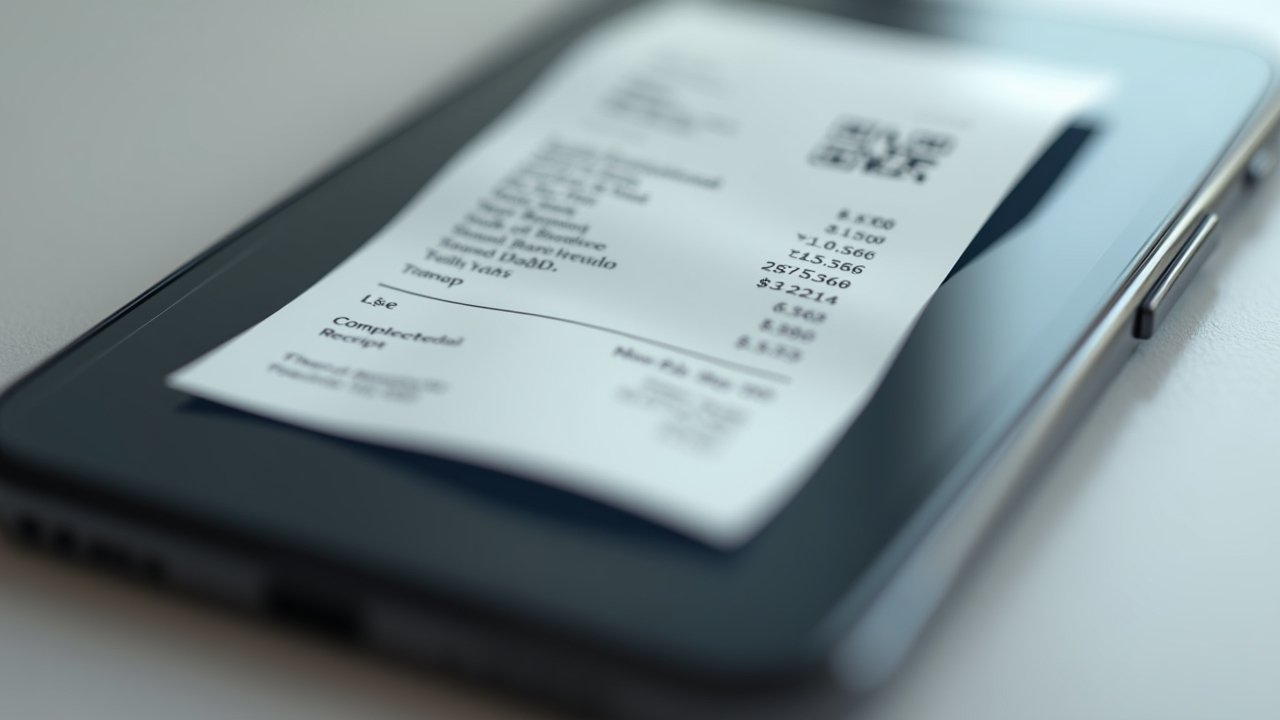
AI receipt scanning apps have genuinely changed how I handle my finances, and I’m not exaggerating when I say it. These tools use optical character recognition (OCR) combined with machine learning to pull data straight off your receipts and organize it automatically. No more squinting at faded ink or typing numbers into a spreadsheet at midnight!
My Disaster Year Before I Found These Apps
So here’s the thing. Three years ago, I was running my little freelance design business and doing my “bookkeeping” the old fashioned way. That meant a manila folder that got fatter and fatter until it literally couldn’t close.
Tax season came around and I spent an entire weekend, like 14 hours straight, trying to match receipts to bank statements. My handwriting on some of the older ones was smudged. Some had faded completely because they were printed on that cheap thermal paper. It was a nightmare, and I remember calling my accountant in a panic asking if I could just estimate my expenses instead.
She said absolutely not, by the way. That conversation is what pushed me to actually research receipt management software instead of just complaining about it.
What Makes AI Receipt Scanning Actually Useful
Here’s where it gets good. These apps aren’t just glorified cameras, they’re actually doing some pretty smart categorization work behind the scenes.
- Automatic data extraction: vendor name, date, total, and tax amount get pulled instantly
- Expense categorization: the app learns your spending patterns and sorts things into categories like “office supplies” or “travel”
- Cloud storage: everything gets backed up, so you’re not relying on a physical piece of paper that could fade or get lost
- Integration with accounting software: many sync directly with tools like QuickBooks or Xero
- Mileage tracking: some apps even throw this in as a bonus feature
I remember the first week I used one of these apps, I scanned a coffee receipt just to test it out. The app pulled the exact total, the date, and even guessed correctly that it was a “meals and entertainment” business expense. I actually said “no way” out loud in the coffee shop. People probably thought I was weird.
The Apps I’ve Actually Tried (The Good, The Bad, The Meh)
I’ve bounced around between a few different platforms over the years, and they’re definitely not all created equal.
Advertisements
Expensify was my first try, and it’s solid for teams and reimbursements, but I found it a bit clunky for solo freelancers like myself. The interface felt like it was built for a corporate accounting department, not a one person design studio.
Then I tried Shoeboxed, which honestly does what it says on the tin. You literally mail them your receipts in a box (or scan them yourself) and they digitize everything. It’s a bit old school in its approach but the accuracy was impressive.
Nowadays there’s tools like Balentiq that combine receipt scanning with broader expense management, which has been a game changer for keeping everything in one place instead of juggling five different apps. I switched to something like this after getting tired of exporting data between three separate platforms just to file quarterly taxes.
Tips From My Trial and Error
- Scan receipts immediately, don’t wait until end of day when the ink has already started fading in your pocket
- Take photos in good lighting, shadows confuse the OCR more than you’d think
- Double check categorization occasionally, the AI is smart but not psychic
- Set up automatic bank feed syncing if the app allows it, saves a ton of manual entry
- Keep physical copies for at least a month just in case, I learned this one the hard way when an app glitched and lost a week’s worth of scans
Where I Still Mess Up (Being Honest Here)
I’d be lying if I said this was a perfect system. Sometimes I forget to scan something for like two weeks and then have a mini panic scanning fifteen receipts in one sitting.
Also, handwritten receipts still trip up most AI scanners. If a vendor writes the total by hand instead of printing it, expect some errors that you’ll need to manually correct. I’ve had a few instances where the app read “$45.00” as “$115.00” because the handwriting was sloppy, mine included honestly.
Another thing worth mentioning, according to a report from the IRS on recordkeeping requirements, you still need to retain digital or physical copies of business expense records for several years. So don’t just scan and delete the original, that’s a mistake I made once and regretted when an audit request came through (everything worked out fine, but my heart definitely skipped a beat).
So, Should You Actually Use One of These Apps?
Look, managing receipts manually in 2026 just doesn’t make sense anymore when the technology exists to automate most of it. Whether you’re a freelancer, small business owner, or just someone trying to track personal spending better, an AI receipt scanning app is going to save you hours of frustration.
Every business is different though, so play around with a few options and figure out what fits your workflow best. What works for my design business might not work for a restaurant owner or a contractor, and that’s totally fine.
Just remember to keep your data secure, verify categorizations periodically, and always retain backup records for compliance purposes. Technology helps, but it’s not a substitute for basic financial diligence.
If you found this helpful, I’d genuinely recommend browsing more articles over at the Balentiq blog. There’s a ton of practical stuff there about managing expenses, taxes, and general small business chaos, written by people who’ve made just as many mistakes as I have.